

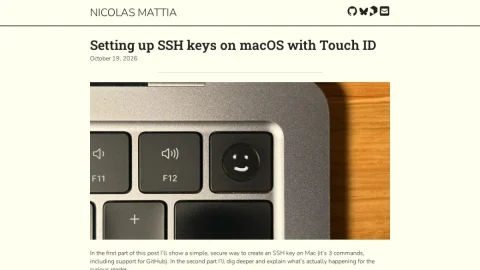
This page is a technical blog post by Nicolas Mattia about setting up SSH keys on macOS using Touch ID and the Secure Enclave. It targets developers who want a more secure alternative to traditional SSH key files stored on disk.
The first part provides a concise, three-command workflow for creating a Secure Enclave identity, including support for GitHub authentication. The second part explains the underlying mechanics for readers who want to understand what is happening beyond the commands.
The main advantages highlighted are that private key material cannot be extracted or stolen, every use triggers a Touch ID prompt, and no key files clutter the filesystem or risk accidental deletion. These protections apply to all SSH usage, including git-over-ssh.
The post is suitable for macOS users with Secure Enclave-equipped hardware who are comfortable with the command line and want to improve their SSH security posture. Readers can follow the quick setup or read the deeper explanation first, depending on their familiarity.
Overall, it is a focused and informative guide that makes advanced hardware-backed security accessible to everyday developers.


Comments & Ratings
0No comments yet. Be the first to review.