

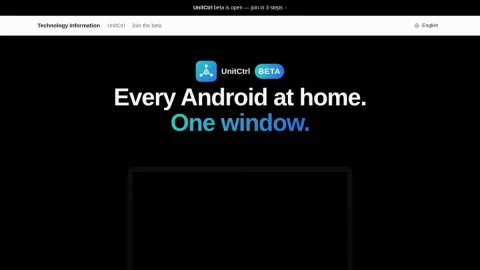
UnitCtrl is a beta tool for viewing and controlling Android phones and tablets from a Mac, Windows PC, or another phone. It is designed for home networks, keeping device screens and data local rather than routing through cloud services or requiring an account.
The core features include live screen viewing, mouse clicking, keyboard typing, and audio playback from the controlled device. Users can also browse installed apps, open or stop them, uninstall apps, check storage and network details, and send photos or videos to a phone. Access requires explicit approval on the target device each time.
It is aimed at people who want to help family members with their phones, manage an old tablet on a shelf, or keep an eye on multiple Android devices at home. Because it works over the local network and avoids cloud servers, it may appeal to users who prefer tighter privacy controls.
To use UnitCtrl, install it on the devices you want to connect, ensure they are on the same home network, and approve access on the target phone when prompted. It is still in beta, so features and reliability may change. Overall, UnitCtrl offers a straightforward local approach to Android device oversight without accounts or cloud dependencies.
评论与评分
0还没有评论,来写下第一条评价吧。