

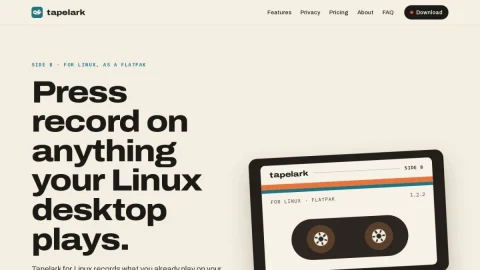
Tapelark for Linux is the Linux edition of the Tapelark recording app, positioned as a way to capture whatever your desktop plays. It targets PipeWire-based Linux systems and is distributed as a Flatpak, so installation and updates follow the same channel as other Flatpak applications.
The core function is recording audio from one app, several apps, or the entire system, then filing the results into a personal library as tracks. The interface organizes content into Library, Artists, Albums, Recently Added, and Duplicates, with shortcuts for Record, Radio, Podcasts, and Library. It is part of Tapelark Pro, and a single licence and key cover both Mac and Linux computers.
It suits Linux users who want to archive internet radio, podcasts, or app audio into an organized collection rather than leaving recordings as loose files. The 14-day trial with every feature lets users evaluate the workflow before committing, and the Flatpak repository keeps the app current alongside other software.
To install, add Tapelark’s repository with the provided flatpak install command, or download the bundle for Intel/AMD (x86_64) or ARM (aarch64) and open it with a software centre. Users who only need Linux can sign up for a single email notification when Tapelark Pro for Linux becomes available separately. Overall, it is a focused desktop audio recorder for PipeWire Linux users who value library organization.



评论与评分
0还没有评论,来写下第一条评价吧。