

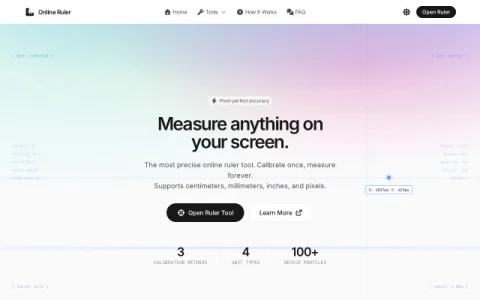
Online Ruler is a browser-based measurement utility whose core purpose is simple: turn your display into a ruler. Instead of hunting for a physical ruler, you open the page, confirm your screen’s pixel density, and read measurements directly off the screen in centimeters, millimeters, inches, or pixels. The site positions itself around precision, offering calibration rather than a one-size-fits-all scale.
The feature set extends past a single ruler. A protractor handles angle measurement, an aspect ratio calculator helps with layout and video dimensions, a dead pixel test checks display health, and a PPI calculator works out pixel density. A printable ruler and screen size calculator round out the toolkit, and a specs library provides reference data for common devices.
Calibration is the differentiator. Users can let the site auto-detect their device from a profile database, enter the screen diagonal manually, or place a credit card against the on-screen outline to match physical scale. That last method is the most reliable when auto-detection fails or the browser applies zoom.
The site is aimed at designers checking spacing, students and office workers estimating small objects, and anyone who needs a fast measurement without special software. Because it runs in the browser, there is nothing to install, and the interface reports live cursor coordinates as you move.
For best results, calibrate before measuring and avoid browser zoom, which skews the scale. Treat it as a co




评论与评分
0还没有评论,来写下第一条评价吧。