

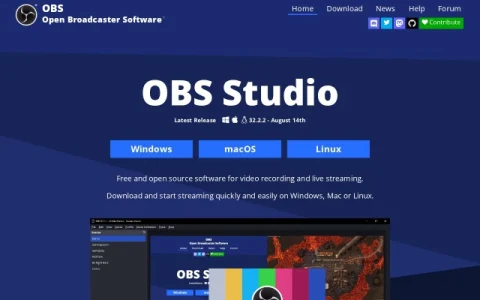
OBS Studio is the flagship application of the OBS Project, a free and open-source broadcasting suite distributed for Windows, macOS, and Linux. It is designed for real-time video and audio capture, mixing, and encoding, and it can send a stream to Twitch, YouTube, and many other providers or save recordings locally.
The core workflow revolves around scenes and sources. Users build scenes from window captures, images, text, browser windows, webcams, and capture cards, then switch between an unlimited number of scenes using custom transitions. An intuitive audio mixer provides per-source filters such as noise gate, noise suppression, and gain, with VST plugin support for deeper processing.
Configuration is handled through a settings panel where sources can be added, duplicated, and adjusted. Output uses high-quality H.264 and AAC encoding, and the software supports the major desktop platforms, with separate macOS builds for Intel and Apple Silicon.
It suits streamers, podcasters, teachers, and anyone recording tutorials or gameplay who needs layered scenes and reliable encoding without licensing costs. Beginners should start with the auto-configuration wizard and a single scene before adding filters and multiple sources.
Because development is funded by sponsors and backers, the project remains free to download and use. It is a dependable choice for users who want professional-level control over their broadcasts.



评论与评分
0还没有评论,来写下第一条评价吧。