

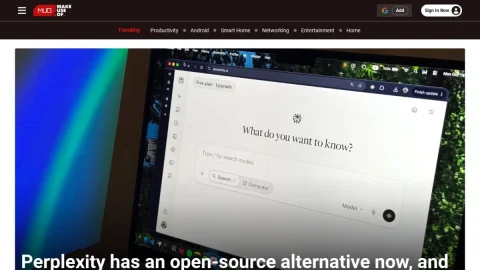
MakeUseOf is a long-running technology publication built around practical guidance rather than breaking news. Its editorial structure organizes content into PC and mobile platforms, technical explainers, productivity, creative software, entertainment, and smart home sections, so readers can move from a general interest in technology to a specific problem they need solved.
The site’s core offering is the how-to article: walkthroughs for Windows, Linux, Android, and Apple devices, plus networking and security explainers and software recommendations. Articles are typically written by named contributors with backgrounds in tech journalism, and many include hands-on testing or screenshots. A newsletter and Google preferred-source option support recurring readership.
It suits general consumers, students, and IT-adjacent professionals who want clear instructions for common tasks, such as setting up a home network, choosing a productivity app, or understanding a security setting. Readers seeking academic depth or enterprise-level analysis will find the coverage introductory rather than exhaustive.
A useful approach is to browse by platform section when troubleshooting a specific device, and use the search function for software comparisons. Because articles vary in publication date, check timestamps on tutorials involving software versions. Overall, MakeUseOf works best as a practical reference for everyday tech questions rather than a primary news source.


评论与评分
0还没有评论,来写下第一条评价吧。