

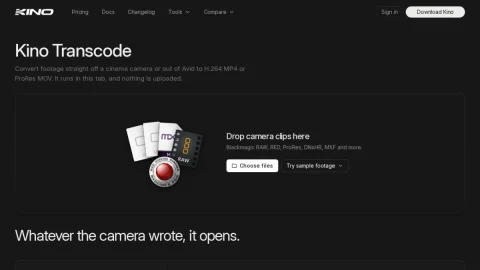
Kino Transcode is a focused web utility from Kino for converting cinema-camera and Avid-origin footage into delivery-friendly formats. It targets the common gap between a shoot’s native codecs and what a client, reviewer or editing app can actually open, without requiring a desktop install or a cloud upload step.
The tool accepts Blackmagic RAW, RED R3D, Apple ProRes across profiles, Avid DNxHR/DNxHD in MXF, plus H.264, HEVC and older AVI codecs. Output is H.264 MP4 or ProRes MOV. Before saving, users can scrub the clip and set in and out points, so a long take can be trimmed to the needed section during conversion.
It is aimed at editors, DITs, colorists and producers handling camera originals, especially those working with confidential material who prefer not to send files to a server. The no-account, no-upload model also makes it convenient for quick one-off conversions on a laptop.
Because processing happens in the browser tab, results depend on the local machine’s CPU and memory, and very large files may be slow. For critical jobs, keep a desktop transcoder as a fallback. Overall, it is a practical, privacy-respecting option for straightforward format conversion and trimming.



评论与评分
0还没有评论,来写下第一条评价吧。