

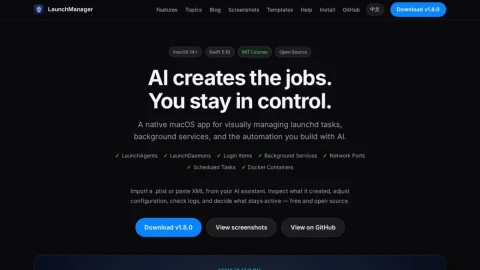
LaunchManager is a native macOS application focused on making background automation visible and controllable. Rather than hand-editing property lists or trusting an AI assistant blindly, users get a visual layer over launchd, login items, and related services.
Its core features include importing .plist files or pasting XML produced by an AI assistant, then browsing and editing entries in Form or XML mode. It covers LaunchAgents, LaunchDaemons, login items, scheduled tasks, and background services, with log inspection to confirm behavior.
Additional tools address networking: a port manager shows what is listening, identifies conflicts, and frees blocked ports, while a Docker ports view maps container ports to localhost to avoid clashes with local dev servers.
It suits macOS developers, DevOps-minded users, and anyone experimenting with AI-generated automation who wants a safety check before jobs run persistently. Beginners benefit from the form editor; advanced users can drop into raw XML.
A practical approach is to import AI-written jobs, review each configuration and its logs, and enable only what is needed. The app is free, open source, MIT licensed, and requires macOS 14 or later.



Comments & Ratings
0No comments yet. Be the first to review.