
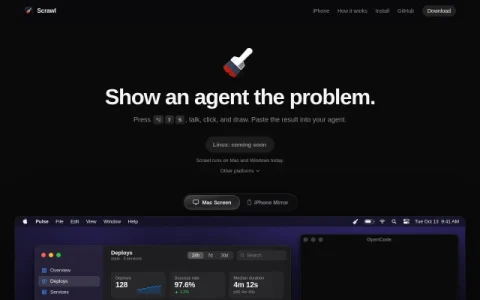
Scrawl is built around a narrow but practical premise: instead of describing a screen problem in words, you show it. Press a shortcut, talk through the issue while clicking and drawing on screen, and Scrawl turns the session into one capture that can be pasted directly into an AI coding agent. It runs on Mac and Windows, with an iPhone mirroring mode and an iOS SDK for recording inside your own app.
The capture model is selective rather than a raw screen recording. Scrawl grabs a frame when something meaningful happens — you draw, click, say a trigger word, or the screen changes — and transcribes your speech locally so each sentence stays tied to the frame it was about. Each frame is cropped to the window you interacted with, keeping the handoff compact, and the agent can request a denser grid of frames around a moment when it needs more detail.
It is aimed at developers and designers who report or debug interface issues with an AI agent and find typed descriptions slow or ambiguous. The iPhone mirroring window and the ScrawlKit SDK extend the same workflow to mobile apps, so mobile UI bugs can be captured with taps and swipes drawn on the frames.
Installation is straightforward on Apple silicon Macs via download or a Homebrew cask, and macOS 15 or later is required. The Windows build is an unsigned x64 preview, so expect rough edges and check system warnings before installing; Linux support is listed as coming soon. A sensible habit is to speak short, specific sentences w


Comments & Ratings
0No comments yet. Be the first to review.