

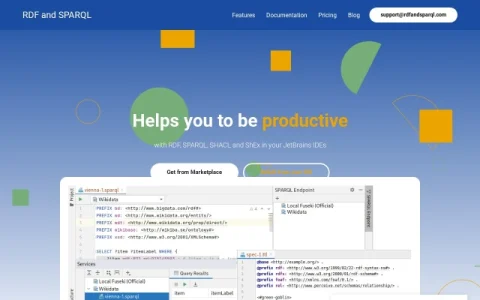
RDF and SPARQL is a plugin for JetBrains IDEs that brings semantic web languages into the editor. Instead of switching to a separate ontology editor, you work with RDF and query files alongside the rest of your codebase in IntelliJ IDEA, PyCharm, WebStorm, DataGrip, and other JetBrains products.
The plugin covers the common RDF serializations, including Turtle, TriG, N-Triples, and N-Quads, plus SPARQL, SHACL, and ShEx. Core editing assistance includes syntax highlighting, autocompletion, and validation, which help catch malformed triples and query errors before runtime. A free four-page PDF on RDF 1.2 and SPARQL 1.2 changes is offered on the site.
It is aimed at developers, data engineers, and knowledge graph practitioners who already write SPARQL queries or maintain ontologies and shape definitions. Because it installs from the JetBrains Marketplace or directly inside the IDE, adoption is quick for teams standardized on JetBrains tooling.
A practical approach is to install it in the IDE where your RDF and query files live, then rely on validation while editing rather than only at execution time. Check the documentation and pricing pages for licensing details before rolling it out across a team.

Comments & Ratings
0No comments yet. Be the first to review.