

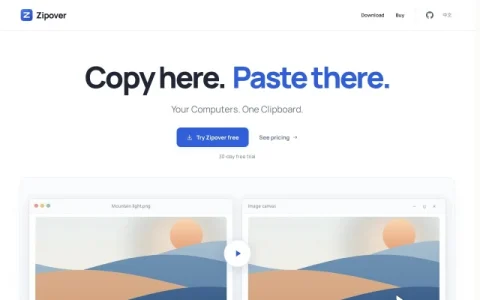
Zipover positions itself as a single clipboard shared across your computers. Instead of sending notes or files through a cloud account, it connects machines on the same local network and moves clipboard content directly between them, with encryption applied to the transfer. The pitch is simple: copy here, paste there, regardless of whether the systems are macOS, Windows or Linux.
The core capability is cross-platform clipboard sharing for more than plain text. Images, files and folders can be copied on one machine and pasted on another, which covers many everyday hand-off situations without a USB drive or messaging app. Setup is lightweight: enter a six-digit code to pair the computers once, keep Zipover running in the background, and continue using normal keyboard shortcuts.
It suits people who work with several computers on one desk or in one office, such as a Mac and a Windows PC side by side, or a Linux machine alongside a laptop. Anyone who regularly moves screenshots, documents or folders between systems without wanting those items routed through third-party servers is the intended user.
Before installing, note the practical constraints. All participating computers must be on the same local network, so remote work across different locations is out of scope. The Mac build is not notarized and the Windows build is unsigned, so system security prompts may appear. The desktop interface is currently in Chinese, which matters for non-Chinese speakers.
Pricing is planned a




Comments & Ratings
0No comments yet. Be the first to review.