

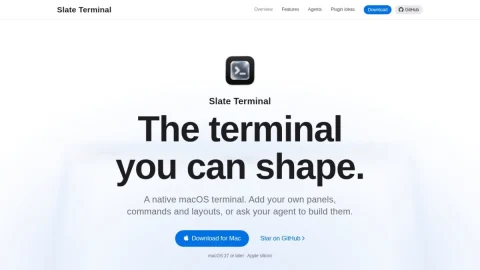
Slate Terminal is a native macOS terminal application built around the idea that the terminal should be shapeable. Instead of a fixed interface, it lets users compose their own panels, commands, and layouts, turning the terminal into a personalized workspace. It targets Apple silicon Macs running macOS 27 or later.
The core feature is extensibility. Users can add custom panels and commands, arrange layouts, and even ask an AI agent to build plugins for them. The demo shows an agent creating an agents sidebar, a deploys panel, and a latency chart, each opened as a panel. Finished layouts can be saved as Spotlight launchers with a name and icon, then reopened from the Dock.
This makes Slate Terminal suitable for developers who want a terminal that adapts to their workflow rather than the other way around. It is especially useful for those who already use AI coding agents and want to integrate their output directly into the terminal environment.
To get started, download the app for Mac and try building a small workspace with your agent. Save useful layouts as launchers for quick access. Overall, Slate Terminal offers a practical take on a customizable, agent-friendly terminal for macOS.



Comments & Ratings
0No comments yet. Be the first to review.