
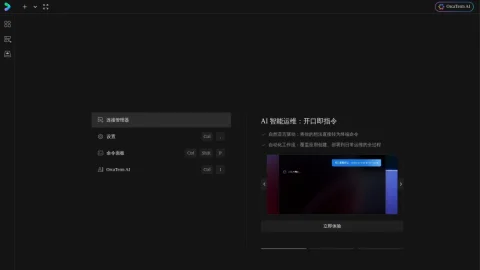
OrcaTerm positions itself as an intelligent terminal from Tencent Cloud, aiming to make command-line work more approachable and efficient. Rather than replacing the terminal, it layers AI assistance and cloud-oriented management on top of familiar shell usage.
The core features center on AI-driven help inside the terminal, streamlining complex operations and reducing the need to switch to documentation or search engines. It also targets terminal and server management, making it easier to organize and operate connected environments from one place.
It is aimed at developers, system administrators, and operations engineers, especially those already using Tencent Cloud services. Beginners may also find the AI assistance useful for understanding commands and recovering from mistakes.
A practical approach is to start with everyday commands and let the AI explain or suggest options before trusting it with sensitive production tasks. Reviewing suggested commands before execution remains important, as with any AI-assisted tooling.
Overall, OrcaTerm is a reasonable choice for teams wanting a more guided terminal experience within the Tencent Cloud ecosystem.


Comments & Ratings
0No comments yet. Be the first to review.